Convert Images Without Uploading: Why It Matters
Every time you upload an image to a conversion website, your file goes to a server in some country, gets processed by software you haven't reviewed, and sits there until they decide to delete it. Maybe that's fine. Maybe it isn't.
What actually happens when you use a server-based converter
You drop your image onto a website. You click convert. You download the result. Simple enough, right?
But here's the process that runs behind the scenes: your image gets uploaded to a web server (often via an API call to a third-party conversion service). The server stores the file temporarily. It converts the file. It serves you the output file via a download link. At some point, it deletes both files.
That “at some point” is doing a lot of work. How long is “temporarily”? An hour? 24 hours? 30 days? Until the storage fills up? The privacy policies on most free conversion tools are vague. Some say they delete files after 1 hour. Some say 24 hours. Some don't say anything specific.
And the deletion claim assumes the server was never compromised, the backup retention policy is separate from the file deletion policy, and no logging or analysis of file contents takes place. You just have to take their word for it.
When does this actually matter?
For most images, it probably doesn't matter much. If you're converting a product photo of a coffee mug for your ecommerce site, the privacy risk is minimal.
But people convert all kinds of images. Screenshots of medical documents to send to a doctor's portal. Photos of personal ID before uploading to a government form. Business documents photographed for archiving. Company-internal assets that shouldn't be sitting on a third party's server.
Even for low-sensitivity images, there's the metadata angle. Image files contain EXIF data — including geolocation coordinates from when the photo was taken. Your casual holiday snap might reveal your home address or workplace location. Upload it to a conversion service and that metadata travels with the file.
What browser-based conversion actually means
Modern browsers have a Canvas API — a JavaScript interface that lets you draw images, manipulate pixels, and export the result in different formats. It's been in browsers for over a decade. It's fast, reliable, and entirely client-side.
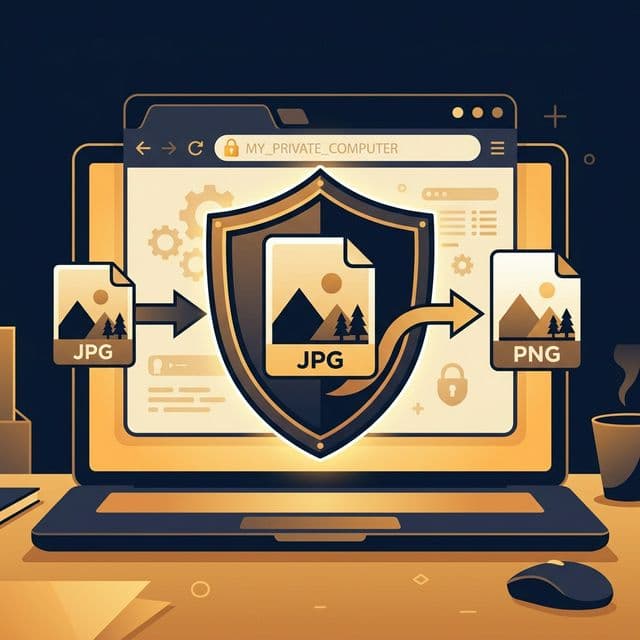
When you use a browser-based image converter, the JavaScript running on the page takes your image file, draws it onto an invisible canvas element, then exports it in the target format using the Canvas API. The whole process happens in the browser tab. No network request is made. No file leaves your device.
The resulting file gets created as a Blob in browser memory and offered to you as a download. Your original file is never sent anywhere.
Are there limitations to browser-based conversion?
Yes. The Canvas API supports JPG, PNG and WebP natively across all browsers. It doesn't support converting to formats like TIFF, PSD, or PDF from within the browser alone. For those formats, you still need a server-side tool.
Very large files can also be slower to process in the browser compared to server-side conversion, depending on the device. A 50MB RAW image on a phone might strain browser memory. For standard photos and web images (under 10MB), you won't notice any difference.
And browser-based conversion can't do things like change the resolution (DPI) metadata of an image in a meaningful way, or apply colour profile conversions for print workflows. For basic format conversion — JPG to WebP, PNG to JPG, and so on — it works perfectly.
GDPR and why it matters even if you're not European
GDPR is the EU's data protection regulation. Under it, companies that process personal data need explicit consent, need to have a legal basis for the processing, and need to protect the data appropriately.
An image converter that uploads your files is technically processing them (even if just for conversion). If those files contain personal data — a face, a name, location data — the conversion service might technically need a GDPR-compliant data processing agreement. Almost none of the free tools have one.
Browser-based conversion sidesteps this entirely. No data is transferred. No processing agreement is needed. The GDPR compliance angle is built into the architecture.
Even if you're not in the EU and GDPR doesn't directly apply to you, the principle matters: tools that handle your files without moving them off your device are simply safer, simpler and less prone to data incidents.
Convert images without uploading anything
JPG to WebP. PNG to JPG. WebP to PNG. All in your browser. Nothing sent anywhere.
Convert images for free →